.png)
Below are five AI agents for business, from a no-code SaaS tool that needs no server at all to a local LLM setup that can need 32 GB of RAM or more. Each comes with a use case and exact server specs:
- n8n: workflow automation where you decide which steps the model controls
- AutoGPT: scheduled research and monitoring agents
- Lindy AI: no-code sales and support agents with no server to maintain
- OpenClaw: a personal agent that works through Telegram, WhatsApp or Slack
- Ollama + Open WebUI: local models for documents that must stay on your server
What are AI agents, and how are they different from chatbots
AI agents are software systems that turn a goal into a sequence of actions and carry those actions out across business apps, using tools and memory. Unlike chatbots that wait for the next message and reply with text, an agent acts: it can read an incoming invoice, match it to a purchase order and queue the payment for approval.
An agent works in a loop. A large language model reads the goal, picks a tool (a web search, an API call, a database query), checks the result and decides the next step until the goal is met or a rule hands the task to a person.
Whatever a vendor calls its product, most AI solutions for business sold in 2026 run on this loop. Underneath the label sit a model, a set of tools, memory and permissions.
Chatbot vs AI agent: the difference
Ask a support chatbot about a late refund, and it quotes the refund policy. An agent with access to Shopify and Stripe can find the order, confirm it falls inside the 30-day window, issue the refund and leave a note on the ticket.
For a business, the practical difference is permissions. An agent needs API keys, OAuth tokens and sometimes shell access, so its mistakes land outside the chat window. Teams rolling out AI agents for business usually start with read-only access and add write permissions one tool at a time, keeping human approval on anything that moves money or emails a customer.
What is agentic workflow, and why it matters for business
A classic AI workflow follows a fixed script: when a form arrives, summarize it with an LLM and post the summary to Slack. An agentic workflow lets the model choose part of the path at runtime, for example, deciding whether the form is a sales lead or a support request and calling different tools for each.
This agentic flow pays off where inputs vary, as with emails, contracts or scanned invoices. With predictable inputs, it adds token spend and risk for no gain. Payroll should stay a fixed script, while inbox triage makes a good agentic AI workflow.
Agentic workflows in AI can also be split across several agents. In multi-agentic workflows, agents with narrow roles pass work to each other: a research agent gathers competitor pages, and a writing agent turns them into a briefing. CrewAI and Microsoft Agent Framework, the successor to AutoGen, are built around this pattern.
VPS for Your AI Agent
Order a VPS with n8n or OpenClaw already installed, or start from a Docker-ready image and deploy your own agent stack.
Why server requirements matter for AI agents
Agents fall into two hardware classes. Most call a hosted model from OpenAI, Anthropic or Google through an API, so the server only runs the orchestration layer (triggers, tool calls, a database), and a few gigabytes of RAM often cover it. Others run the model on the same machine. The weights have to fit in memory, which pushes the requirement to 16–64 GB or to a GPU.
Uptime matters as much as raw specs. An agent that reacts to webhooks or incoming email has to be online when the event arrives, so production agentic workflows end up on an always-on server.
Agent #1: n8n AI agent (automation and workflow)

What it does and what tasks it handles
n8n is a workflow automation platform with a visual editor and hundreds of integrations. It is published under the fair-code Sustainable Use License, so a company can self-host the Community Edition for internal use without a license fee. The AI Agent node connects an LLM to tools: other n8n nodes, HTTP requests, a vector store and conversation memory.
n8n stands out for the control it gives over where the model is allowed to decide. One agentic AI workflow in n8n can mix fixed steps, such as pulling the ticket and looking up the customer in the CRM, with an agent step that picks a reply template or escalates the case. In customer support, it handles ticket routing and reply drafts.
Case: Delivery Hero saves 200 hours a month with one workflow
Delivery Hero, the food delivery group, published a case study with n8n about a single IT operations workflow. Employees locked out of their accounts used to wait for IT to verify them and restore access: around 800 requests a month, 35 minutes each on average. Now the employee’s manager approves the recovery, and n8n calls Okta, Jira and Google to restore access. Average lockout time dropped to 20 minutes, so employees spend 200 fewer hours a month locked out. The workflow has no AI step; an AI Agent node can be added to handle requests a fixed script cannot classify.
For an agency inbox, fixed rules route predictable requests, and an agent drafts replies to the rest for approval in Slack.
Server requirements and cost to run
n8n takes around 500 MB of RAM once running, PostgreSQL adds about 200 MB and Redis about 100 MB. Every active execution keeps its payload in memory on top of that. Three heavy workflows in parallel, especially ones built on the Code node, can push past 2 GB, so 4 GB is the realistic floor for production.
For an agency-sized setup:
- CPU: 2–3 vCPU
- RAM: 4 GB
- Storage: 40–60 GB NVMe SSD
- OS: Ubuntu 22.04 or 24.04 with Docker
- Database: PostgreSQL instead of the default SQLite
Heavier loads call for queue mode with separate workers. Business-grade VPS plans with 2–4 vCPU and 4–8 GB of RAM typically cost $20–$50 per month, and the API provider bills model usage separately.
A VPS with n8n preinstalled skips the Docker setup, and its mid-range tier covers n8n, Postgres and Redis for moderate workflow volume.
Verdict: who it's for
n8n fits agencies and operations teams with repetitive routing work and at least one person comfortable with Docker and server updates. Teams without that person can use the managed n8n Cloud instead.
Agent #2: AutoGPT (research and task execution)

What it does and what tasks it handles
AutoGPT started in 2023 as an experiment in letting GPT-4 loop on a goal with no human input. It has since grown into the AutoGPT Platform, a visual builder where agents are assembled from blocks, triggered on a schedule or by a webhook, and kept running on your server. Newer releases add AutoPilot, which turns a plain-English request into an agent. The code is free to self-host from the official GitHub repository, and a paid managed version is also available.
AgentGPT, the browser-based project often listed next to it, is no longer a safe pick for business use. Its developer, Reworkd, archived the GitHub repository on January 28, 2026, so it gets no updates or security patches.
In operations and finance, AutoGPT handles data monitoring and recurring reports.
Example setup: consulting firm automates competitor monitoring
AutoGPT has few public business case studies with verifiable numbers, so here is a typical setup. A strategy consultancy tracks 15 competitors for a retail client. Every Monday an analyst spends about six hours checking pricing pages, press releases and job postings.
An AutoGPT agent takes over the collection. Every night it fetches the tracked pages, compares them with the previous snapshot and stores the differences. On Monday it drafts a briefing grouped by competitor. If the analyst’s review takes 45 minutes, the firm gets back about 5 hours 15 minutes a week, or roughly 68 hours a quarter.
Server requirements and cost to run
AutoGPT is the heaviest API-based agent on this list, because the platform runs as a group of Docker containers: the frontend, backend services, and supporting databases. Earlier project documentation recommended:
- CPU: 4+ cores recommended
- RAM: 8 GB minimum, 16 GB recommended
- Software: Docker Engine 20.10.0+ and Docker Compose 2.0.0+
- Storage: 60–80 GB SSD for images, databases and logs (estimate, not an official figure)
The repository's Docker Compose setup runs on a Docker-ready VPS with root access once the .env file and API keys are configured.
For the monitoring scenario, 4 vCPU and 16 GB of RAM leave headroom for parallel nightly runs. Long autonomous loops can call the model dozens of times per task, so set a monthly spend limit with the API provider before the first scheduled run.
Verdict: who it's for
AutoGPT suits teams with a developer who wants scheduled, multi-step research agents and is ready to maintain a multi-container stack. For non-technical teams, setup is the main obstacle.
Agent #3: Lindy AI (sales and customer service)

What it does and what tasks it handles
Lindy is a no-code platform where agents are described in plain English and connected to business apps such as Gmail, Google Calendar, Slack, HubSpot, and Salesforce. A sales agent built in Lindy can qualify an inbound lead, research the company, send a tailored follow-up and book the meeting.
Among the AI solutions for business covered here, Lindy is the one built with sales teams in mind, with lead scoring, personalized outreach and CRM updates after each call.
Case: Blackbird runs outbound sales on Lindy
Blackbird, a company selling into the hospitality industry, ran a high-touch outbound motion without an SDR team or engineering support. Its business operations and GTM lead set up Lindy to build lead lists, research prospects, send cold outreach and prepare meeting briefs. According to Lindy's published case study, the setup saves 10 to 20 hours a week, and the agent booked its first meetings within hours of going live. These are vendor-reported numbers, not independently verified.
Server requirements and cost to run
Lindy has no server requirements on the customer side. Agents run on Lindy's infrastructure, and there is no self-hosted edition. Pricing is per user and paid in credits. In September 2026 the plans were Plus at $29.99 per month with 3,000 credits, Pro at $99.99 with 15,000 credits and Max at $199.99 with 35,000 credits. Credits are pooled across the workspace and do not roll over. Plans changed more than once in 2026, so check lindy.ai/pricing before budgeting.
The trade-off is data location. Lead data, emails and call notes are processed and stored by a third party. Lindy states SOC 2 and GDPR compliance. When contracts or regulations require data to stay on company servers, n8n connected to the CRM is the self-hosted route to a similar result.
Verdict: who it's for
Lindy fits sales and support teams without engineering capacity that need a working agent within a week. Per-seat pricing adds up for large teams and heavy research tasks, but for a small team with nobody to run a server, it often costs less in the long run than self-hosting. It is the wrong choice where data residency rules apply.
Agent #4: OpenClaw, formerly Clawdbot (messaging and personal AI agent)
What it does and what tasks it handles
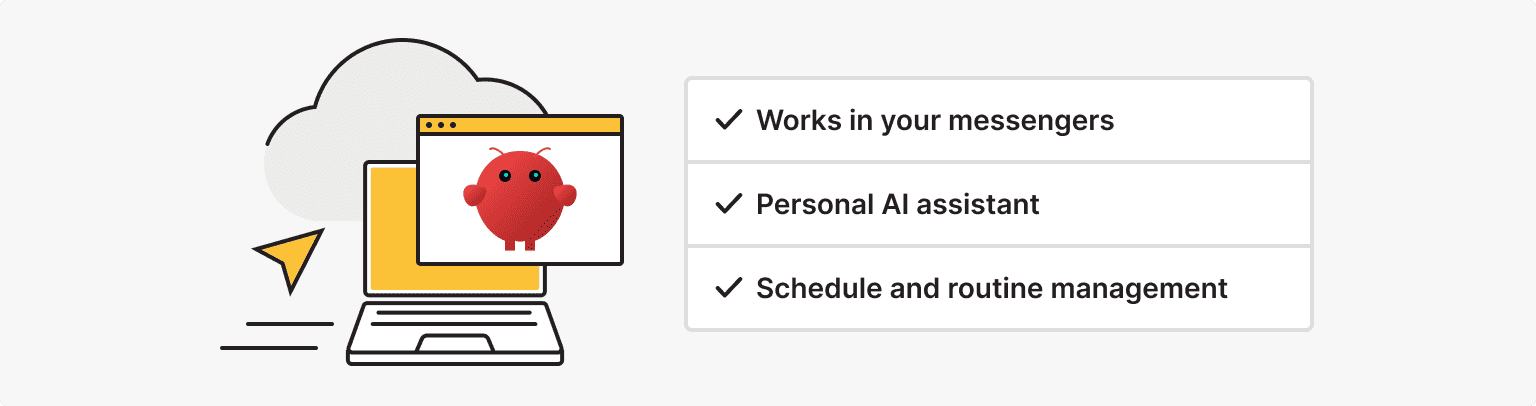
OpenClaw is an open-source personal agent that was renamed twice in January 2026. It went from Clawdbot to Moltbot after trademark complaints from Anthropic, then became OpenClaw three days later, and version 2.0 shipped on August 30, 2026. It runs as a background service called the Gateway and talks to you through messaging apps you already use: Telegram, WhatsApp or Slack. It works with hosted models through an API key or with local models through Ollama.
Through skills and plugins, OpenClaw reads email, manages calendars, sets reminders, works with files and runs shell commands. That covers the HR and admin side of a small business: task management, interview scheduling and meeting summaries.
Shell access is the risk to plan for. Keep command approvals switched on, install only community skills whose code you have read, and run the Gateway on a dedicated machine or VM.
Example setup: freelancer hands daily admin to OpenClaw
Community reports about OpenClaw come without verified business numbers, so here is a typical setup. A freelance brand designer with eight active clients spends about 90 minutes a day on admin. That breaks down into 30 minutes of inbox triage, 25 minutes scheduling calls across time zones, 20 minutes chasing invoices and 15 minutes sorting files.
With OpenClaw connected to her messenger, the day starts with a summary of overnight email and drafted replies she approves by answering “send”. Meeting requests get slot options from her calendar, overdue invoices trigger reminders on day 7 and day 14, and attachments land in the right client folder. Admin shrinks to the 10–15 minutes she spends approving drafts.
Server requirements: macOS VPS or Mac mini
OpenClaw runs on macOS, Linux and Windows, either through the native app or WSL2. It needs Node.js 24.16+ or 26.1+ (Node 26 is recommended), and the installer script sets it up if Node is missing. With an API-based model, a Linux VPS needs at least 2 GB of RAM, and 4 GB leaves room for browser skills and background jobs.
A VPS with OpenClaw preinstalled uses an Ubuntu 24 image and is ready in 5–15 minutes. After that, openclaw onboard connects the model and the first messenger.
macOS becomes necessary only for skills that work with Apple-only apps, such as Apple Notes and Reminders. That leaves two options. A Mac mini is a one-time purchase (the M6 base model with 16 GB of RAM went on sale in September 2026 at $899 in the US) but depends on home power and internet. A macOS VPS runs in a data center with a static IP and is paid as a subscription. The cost comparison is below.
Verdict: who it's for
OpenClaw fits freelancers and founders of small teams who live in messaging apps and are comfortable with a terminal. Among AI agents for business, it needs the most security attention.
Agent #5: Ollama + Open WebUI (local LLM agent)
What it does and what tasks it handles
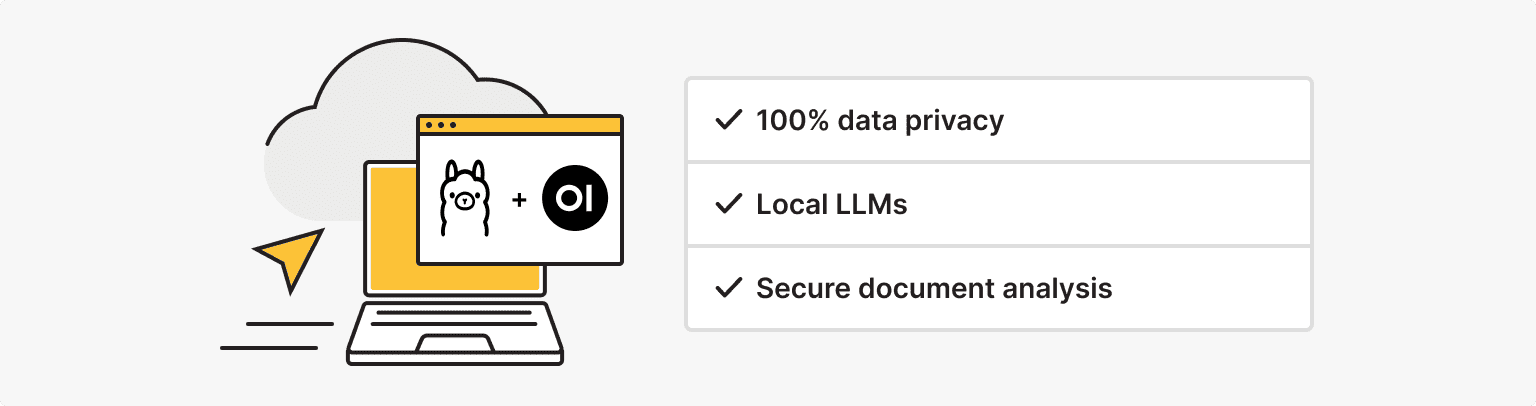
Ollama downloads and runs open-weight models such as Llama, Mistral, Gemma and DeepSeek-R1 on your own server and exposes them through a REST API. Open WebUI adds a browser interface with user accounts, chat history, document upload with retrieval (RAG) and tools the model can call. The result is a private ChatGPT-style workspace where no prompt or file leaves the server.
The agent part comes from Open WebUI’s tools and pipelines, or from connecting Ollama to n8n, whose AI Agent node accepts a local model. The second option gives you agentic workflows with no data leaving your infrastructure.
Case: Samsung Semiconductor keeps its AI platform on-premises
Samsung Semiconductor wanted employees to work with LLMs without company data leaving its control. According to the customer story published by Open WebUI, Samsung Semiconductor Inc., the company's US arm, deployed Open WebUI on its own Kubernetes cluster with internal models. Over 40% of employees used it in the first week, daily use settled at 5–10%, and some R&D workflows went from days to hours. The story does not mention Ollama.
A law firm can run a smaller copy: Ollama and Open WebUI on one server, with the firm's clause playbook as a knowledge base that flags deviations in each uploaded contract. A lawyer still signs off on every document.
Server requirements and cost to run
Model size sets the hardware. As a rule of thumb from Ollama’s earlier documentation, you need at least 8 GB of RAM for 7B models. Downloads range from about 4.4 GB for Mistral 7B to 43 GB for Llama 3.3 70B, and Open WebUI adds a few gigabytes of RAM on top.
For the law firm scenario:
- CPU: 8 vCPU for CPU-only inference, or a GPU with 16–24 GB of VRAM
- RAM: 32 GB
- Storage: 100–200 GB NVMe SSD for several models and the document store
- OS: Ubuntu with Docker
CPU-only inference works but is slow, fine for one paralegal and frustrating for ten users, and there are no per-token fees.
Open WebUI installs on a Docker-ready VPS; once several people need fast answers, a GPU moves the setup to a dedicated server.
Verdict: who it's for
Ollama with Open WebUI fits legal and medical teams, and any business where confidentiality outweighs model quality. Open-weight models in the 7B–33B range trail the top hosted models on complex reasoning, so test them on your own documents before buying hardware.
Dedicated Server for Local Models
When one VPS can't keep up with your team, move Ollama and Open WebUI to a dedicated server. All of its CPU and RAM go to your models.
Server requirements: all 5 agents compared
| Agent | CPU | RAM | SSD | OS | Monthly cost | Setup complexity |
|---|---|---|---|---|---|---|
| n8n | 2–3 vCPU | 4 GB | 40–60 GB | Linux + Docker | ~$20–$50 + API fees | Medium |
| AutoGPT | 4+ vCPU | 8 GB min, 16 GB recommended | 60–80 GB | Linux + Docker | ~$40–$80 + API fees | High |
| Lindy AI | Not needed | Not needed | Not needed | SaaS | $29.99–$199.99 per user (subscription) | Low |
| OpenClaw | 2 vCPU | 2–4 GB (Linux); macOS VPS from 8 GB | 40 GB | Linux, or macOS for Apple apps | Linux ~$10–$21; macOS see below | Medium |
| Ollama + Open WebUI | 8 vCPU or GPU | 8–32 GB+ | 100–200 GB | Linux + Docker | ~$80–$150 CPU-only, more with GPU | High |
Costs for these AI agents for business are typical 2026 prices for unmanaged Linux VPS plans, except Lindy, which is a per-user subscription. Model API fees are not included.
How to choose the right server for your agent
- Start with where the model runs. For an API-based agent, size the server for the orchestration layer and for concurrency; the table above covers typical setups, and only AutoGPT needs 8–16 GB. For a local model, start from the model's memory requirement and add 4–8 GB for the operating system, Docker and the interface. For n8n and OpenClaw, prebuilt VPS images cut the setup to a few minutes.
- Next, check whether the agent needs macOS. Only OpenClaw does, and only for skills tied to Apple apps. Everything else runs on cheaper Linux servers.
- Then look at parallel runs. RAM grows with simultaneous executions far more than with daily volume.
- Finally, decide who maintains the server. If nobody owns updates and backups, managed AI solutions for business like Lindy or n8n Cloud are cheaper in the long run.
For the macOS case, the numbers are simple. On is*hosting, macOS is available from the Premium plan (4 CPU cores, 8 GB of RAM, 50 GB SSD) at $31.99 per month on annual billing, which adds up to about $1,152 over three years. A base M6 Mac mini with 16 GB of RAM costs $899 once, so it breaks even with the VPS after about 28 months and costs less over three years, before electricity. The VPS makes more sense for commitments under two years and for teams that would rather not maintain hardware at home.
FAQ
What is agentic workflow automation?
It is automation where an AI model decides some of the steps at runtime instead of following a fixed sequence. It works best on variable inputs like emails and documents.
Workflow vs agent: which one does a small business need?
A fixed workflow is cheaper and more predictable, so use it whenever the steps never change. An agent pays for itself when inputs vary and someone spends hours sorting them by hand. Many businesses use both, often inside the same n8n canvas.
Do AI agents need a GPU?
Only when the model runs on your own server and several people use it at once. An API-based agent workflow in n8n or OpenClaw runs on a 2–4 vCPU VPS with no GPU. AutoGPT needs 4+ vCPU and 8–16 GB of RAM, but no GPU either.
Fast Migration of Your Project
Order any server with a control panel, and we'll transfer your project from your old hosting for free.
Move Your Project