Recent industry research, including the AI Index 2025, shows that hardware selection has become a major factor influencing AI costs, just like model architecture. Training speed, inference efficiency, and infrastructure expenses are increasingly determined by how well compute, memory, and storage are matched to the workload.
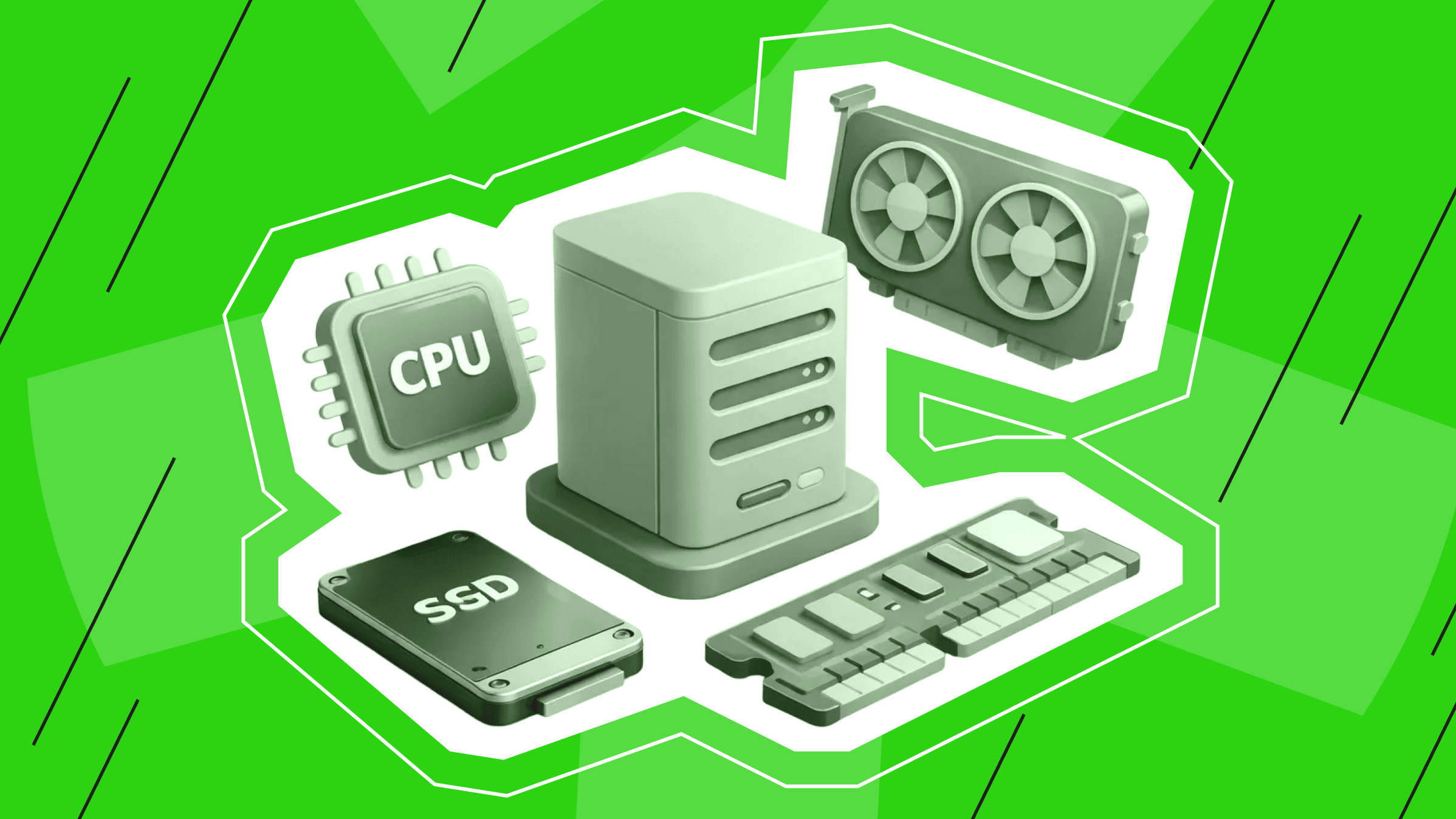
In this guide, we discuss the differences between CPU vs. GPU for AI, provide a detailed explanation of how to select VRAM, RAM, and NVMe, and help you determine when VPS, dedicated servers, or dedicated GPU-based setups are the right choice.
The intention is very clear: to help you pick the best server for AI development and build an AI server that supports real workflows without overpaying.
What AI Development Really Requires Today
Modern AI work can be classified into four categories:
- Exploration and data preparation. This stage is heavily reliant on powerful processors, large memory, and swift NVMe setups, which is why the AI development server requirements here focus on balanced CPU cores and storage throughput.
- Model training and fine-tuning. Hardware limitations are exposed quickly. The amount of available VRAM determines both the batch size and the model scale. Because of this, AI model training hardware needs are driven first by available VRAM, then by GPU interconnects and disk speed.
- Evaluation and inference. CPUs handle a lot of evaluation work and can serve smaller models without trouble. When response time starts to matter, or traffic grows, that’s the point where a GPU server for AI earns its place.
- Machine Learning Operations (MLOps) and production operations. At this stage, AI server CPU requirements come down to having enough cores and RAM so that parallel tasks don’t step on each other. NVMe helps with the unglamorous parts — fast rollbacks, quick restores, and moving data around without waiting.
One rule covers all cases: first define the workload, then validate the limitations of the AI training hardware, and finally make a decision about the server size.
CPU vs. GPU for AI Tasks
GPUs handle heavy math well, especially when the same operation runs thousands of times in parallel. CPUs, on the other hand, are more comfortable juggling many different tasks at once and responding to complex logic.
The difficult part is deciding which advantage is more important for your workload. The decision is mostly based on the model type you’re using, its size, and your expectations regarding latency and throughput.
Quick Comparison Table: CPU vs. GPU for AI
Here’s a brief comparison showing the main differences between CPU and GPU servers in most cases. You can use it as a reference point, and then we’ll go into details.
|
Workload/Constraint |
Better on CPU |
Better on GPU |
|
ETL, tokenization, data joins |
✅ Simpler, RAM‑heavy tasks |
– |
|
Classical machine learning (ML) (trees, linear) |
✅ |
– |
|
Small large language model (LLM) inference, quantized 3–7B, modest queries per second (QPS) |
✅ Often acceptable |
✅ When latency matters |
|
Training or fine‑tuning the convolutional neural network or transformer models |
– |
✅ Significant speed‑ups |
|
Diffusion training/generation |
– |
✅ Required for practical speed |
|
High‑throughput inference |
– |
✅ Latency and throughput |
|
Budget per month |
✅ Lower entry point |
✅ Better cost‑per‑result at scale |
When CPU-Based Servers Are Enough
A well-provisioned CPU machine can handle more AI than many people realize:
- Data work. Preprocessing, tokenization, Parquet transforms, and light feature engineering.
- Classical ML. Tree ensembles, linear models, and anomaly detection.
- Small‑model inference. Distilled transformers, quantized 3–7B LLMs for modest QPS using libraries that exploit AVX‑512 where available.
- MLOps tooling. Airflow/Prefect, MLflow, vector databases, APIs, and CI/CD.
- Prototyping. Verifying data paths and debugging training loops on tiny batches.
In these cases, you need strong per-core performance, enough RAM for in‑memory datasets, and NVMe storage for spill.
Your AI server CPU requirements: 4–16 vCPU (or more for parallel ETL), RAM sized at 2–3× the largest dataset in memory, and NVMe sustained read/write above your data loader rate.
When you build an AI server for this profile, start with RAM and storage planning; if the pipeline is input/output (I/O)-bound, adding CPUs won’t do anything.
When You Need GPU Power
In case your loops involve main operations like matrix multiplications and convolutions, or you increase sequence lengths and batch sizes, switching to a GPU server for AI can save days or even weeks of work. Clear cases include:
- Fine‑tuning LLMs or vision transformers above ~7B parameters at FP16 or BF16.
- Diffusion training for image/video; large 3D generation workloads.
- Instruction tuning and Low-Rank Adaptation (LoRA)/Quantized LoRA (QLoRA) on mid- to large-scale models, where VRAM keeps rising with sequence length.
- High‑throughput inference (streaming token generation, rerankers, multi‑modal) with strict latency service-level objectives.
- Reinforcement learning where the policy or value networks dominate wall time.
GPU Requirements for AI Development
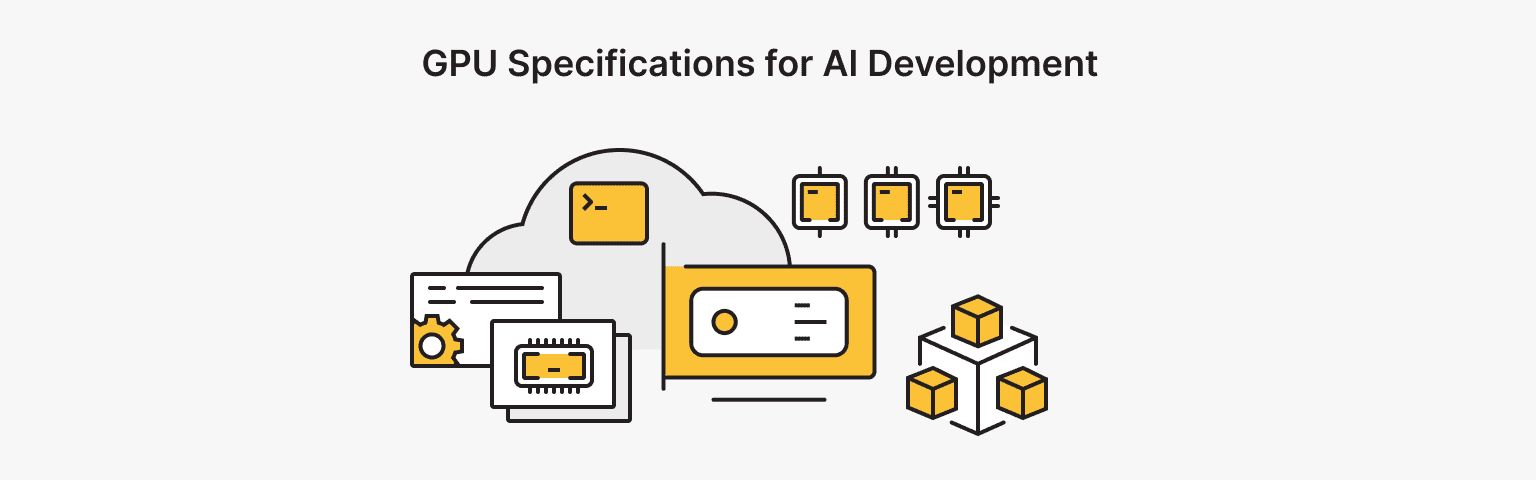
Once you’ve decided that your project requires a GPU server for AI, the next step is to determine the amount of VRAM and to select a generation. Usually, performance problems can be traced to one of three factors: insufficient VRAM, low memory bandwidth, or poor intercommunication between GPUs.
Choosing VRAM Capacity
VRAM is the first wall you hit: model weights, activations, and optimizer state all have to fit simultaneously. The numbers below are a good reference point.
Text LLMs:
- ~7B parameters. FP16 forward often requires 14–16 GB; fine-tuning needs 24 GB+. 8-bit with LoRA/QLoRA can fit 12–16 GB, but long context and bigger batches push it up.
- ~13B parameters. FP16 typically 26–28 GB; fine-tuning is much smoother around 40 GB VRAM.
- 30–70B parameters. Usually requires multi-GPU setups (tensor/model parallelism) or adapter tuning with careful quantization.
Vision Transformers and Diffusion:
- Resolution and patching drive VRAM. 24 GB is a common minimum; 48–80 GB speeds iteration and reduces checkpointing.
Multi-modal:
- Tokens and pixels grow memory fast. 48–80 GB is the safer range for quick iteration.
Once models get bigger (or if you want longer context without squeezing everything), 48–80 GB is much easier to work with.
When building an AI server, don’t aim for “barely fits.” Leave space for longer sequences and the occasional spike from the data pipeline. That’s what AI model training hardware needs to look like in practice: VRAM is the gatekeeper, then you optimize for bandwidth and storage to keep pace.
VPS with RAM upgrade anytime
Get the most out of your budget with VPS. NVMe drives, 40+ global locations, and flexible configs for any project.
Practical Differences Between Modern GPUs
Different GPUs act very differently when it comes to AI workloads:
- Tensor core generation (e.g., BF16/FP8 support) affects speed and memory use. FP8 support boosts effective throughput without a big drop in quality for many models.
- Memory type and bandwidth. High-Bandwidth Memory (HBM) is better for training when the bandwidth is the issue. If you're I/O-heavy at the GPU boundary, a GPU server for AI with HBM (and higher terabytes per second) keeps utilization high.
- Interconnect. NVLink dramatically improves multi‑GPU training efficiency; PCIe‑only setups can work, but communication overhead limits scaling.
- VRAM per card determines single‑GPU feasibility. 24 GB cards handle most mid‑scale fine‑tuning; 48–80 GB can open large context windows and bigger batches.
- Ecosystem & drivers. CUDA/cuDNN maturity and library support still tilt decisions for many teams, especially when deadlines are tight.
If your roadmap includes multi‑GPU training, be sure to plan for data/model parallelism in advance. Staging samples from ultra‑fast NVMe and pinning host memory helps keep GPUs busy.
RAM and Storage Requirements

CPUs and GPUs handle computation, but RAM and storage determine how smoothly everything moves around them. When either is undersized, workflows slow down long before compute is fully used.
Recommended RAM for Different AI Workloads
- In the stage of data preparation and engineering of features, the suggested amount of RAM will be 2 to 3 times bigger than the biggest in-memory table or dataset slice you think of. If, for example, the two 20 GB tables are to be joined in memory, then 128 GB RAM would be a safer baseline compared to 64 GB.
- In the case of training orchestration, the CPU (even on the GPU server for AI) supervises processes, streams batches, logs metrics, and runs validations. For each active training job, in addition to OS and services, allocate 16–32 GB RAM for overhead and data loader caches.
- In the case of inference services, more RAM is always a plus since it can be used for token streaming, batching, and caching, especially for multi-tenant APIs. Besides the RAM for model weights in the CPU (when using page-in/page-out strategies) and the RAM for precomputed embeddings, add memory.
- For the MLOps stack, shared memory should be sized for the services of Airflow, Prefect, Argo, MLflow, Prometheus/Grafana, and your feature stores and vector databases. If “supporting” services share the box, account for them concretely.
A quick rule of thumb for AI server CPU requirements is to size the system so data loaders can keep the GPU busy without fighting for cores, while RAM is sufficient to keep prefetch queues full. When GPUs wait on data, you’re paying for capacity that isn’t doing any work.
Why NVMe Storage Matters for Training
Training and fine‑tuning are streaming problems. You pull shards, decompress, augment, and batch — over and over. NVMe reduces the distance between disk and GPU memory in practice. Benefits include:
- High sustained throughput for shuffled shards and random access.
- Fast checkpoints and rollbacks.
- Shorter experiment cycles when you rebuild datasets or re‑tokenize.
VPS vs. Dedicated vs. GPU Servers
This question shows up early in almost every infrastructure discussion. Rather than starting from specs, it helps to look at how each server type behaves under real workloads.
VPS Scenarios
VPS hosting is a good fit for many AI workflows, especially for model training. It's commonly used for orchestration, data preparation, vector databases, CI/CD pipelines, API gateways, and inference for compact models. VPS environments are also great for experiments with a clear structure, tools used internally, and services that require fast NVMe storage and consistent resources.
On is*hosting, this corresponds to the Start, Medium, Premium, Elite, and Exclusive plans, all of which are powered by up-to-speed NVMe with strictly defined CPU and RAM allocations.
Smaller plans are perfect for lightweight services and pipelines, while Premium and higher tiers give lots of room for more demanding data tasks. Optional control panels like ISPmanager, DirectAdmin, HestiaCP, aaPanel, or cPanel provide easy management of web interfaces and APIs when you want to speed up.
When Dedicated Servers Are Better
Basically, all scenarios that involve long, uninterrupted CPU‑heavy jobs, larger RAM footprints, specialized networking, and strict isolation are pushing you toward bare metal dedicated servers.
If you expect higher sustained CPU utilization and frequent disk churn, a dedicated server guarantees performance consistency along with the control to upgrade.
It can also be a good partner in the future with external or attached GPUs, if you decide to switch from CPU-first to a GPU server.
Why GPU Servers Dominate AI Training
At the current scale of deep learning, it’s really difficult to find a substitute for GPUs. A GPU server for AI not only reduces training time but also allows work with massive data batches and long contexts.
Additionally, it’s necessary for workloads related to multi-modality and diffusion. The key challenge here is to provide VRAM and memory bandwidth that correspond with the model so that the hardware is always working at full capacity.
Comparison Table: VPS vs. Dedicated vs. GPU
|
Option |
Strengths |
Watch‑outs |
Good for |
|
VPS |
Instant start, NVMe, predictable price, easy scaling |
VRAM not guaranteed; shared host resources by design |
MLOps, data prep, control plane, small‑model inference |
|
Dedicated |
Full control, consistent CPU/RAM/disk, upgrade path |
Lead time, higher monthly cost |
Big ETL, heavy RAM pipelines, stable long‑running services |
|
GPU server for AI |
Massive training/inference speed; tensor cores; large VRAM |
Higher cost; plan around VRAM and interconnect |
Fine‑tuning, diffusion, high‑QPS inference |
Recommended Server Configurations
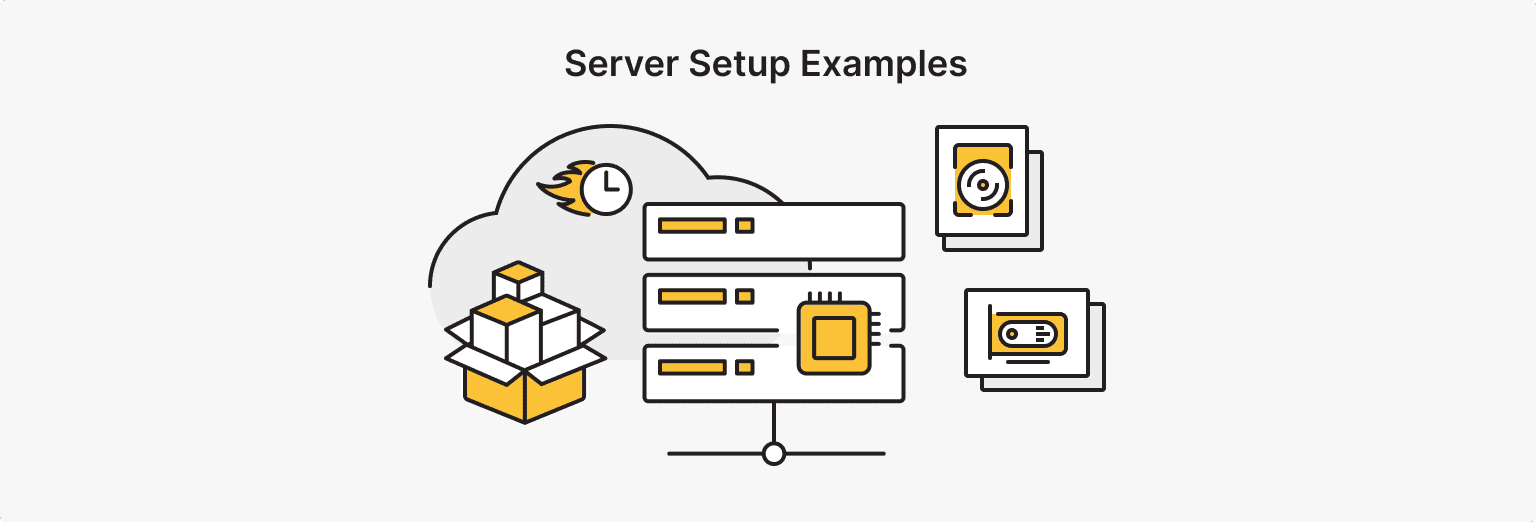
Before applying the presets, it’s necessary to identify what the main cause of your delay will be: data preparation, training, or inference. If it’s mostly related to cleaning, tokenizing, and moving files around, then a powerful CPU, sufficient RAM, and fast NVMe will be more appreciated than adding GPUs.
However, if you are fine-tuning or executing heavy generation, start with VRAM and select a GPU server for AI that gives you some flexibility.
Small Projects and Experiments
Objective: Explore datasets, run baselines, prototype APIs, and try small fine‑tunes.
- Compute: 2–4 vCPU
- RAM: 8–16 GB
- Storage: 50–100 GB NVMe
- Why: Keeps exploratory data analysis and tokenization snappy, supports vector DB tests, and serves a small API without drama.
- GPU? If your baseline requires CUDA support for a specific library, or if you wish to experiment with LoRA on a small model, then go for a small GPU server for AI use only. Otherwise, stick to the CPU and cut down on costs.
Mid-Level AI Development
Objective: Creation of production-grade pipelines, continuous fine-tuning of 7–13B models, and low-latency inference.
- CPU route (if still CPU-first): 8–16 vCPU, 64–128 GB RAM, 500 GB+ NVMe. A strong choice for data pipelines, vector search, and feature stores, together with light inference.
- GPU path: A GPU server for AI with 24–48 GB VRAM, 16–32 vCPU, 64–128 GB RAM, and 1–2 TB NVMe. This would cater to most mid-scale LoRA/QLoRA and diffusion fine-tunes while accommodating the hosting of low-latency inference.
Enterprise and Large-Scale Models
Objective: Multi‑GPU training, long context windows, and high‑QPS multi‑modal inference.
- Compute: 2–8 GPUs with 48–80 GB VRAM each; CPUs sized to keep data loaders saturated (24–64 cores)
- RAM: 256–512 GB to buffer loaders, caches, and validation
- Storage: 2–8 TB NVMe (local) plus object storage for datasets and checkpoints
- Interconnect: Prefer NVLink (or similar) for multi‑GPU scaling; PCIe Gen4/Gen5 otherwise
- Notes: At this point, a dedicated GPU server for AI or a compact cluster starts to justify its cost. In the case of a must hybrid solution, CPU nodes would be dedicated to orchestration (Kubernetes/Slurm) while GPU workers are attached as a separate pool. Your AI model training hardware requirements: VRAM capacity, bandwidth, and interconnect quality, which you cannot compromise.
Cost and Budget Planning
Think in cost-per-result, not just monthly price. A GPU server for AI might end up being cheaper overall if it reduces training time from seven days to just one, and allows engineers to deliver faster.
Here are some tips:
- Right-size first, then upgrade. Choose a configuration that at least meets AI development server requirements and conduct a training session that is representative of typical usage. Check throughput, VRAM headroom, and disk utilization.
- Budget for data gravity. If your data is located elsewhere, network egress and replication time will affect the real cost.
- Use built-in backups and snapshots. You'll be protected from a bad run, and cost-efficient rollbacks will be straightforward.
- Plan discounts over longer terms. If you’re certain that a configuration will be used in production, annual commitments will give you a lower effective monthly price (5% for 3 months, 10% for 6 months, up to 20% for 12 months as per current is*hosting policy).
- Keep upgrade paths simple. RAM, SSD, and IPv4 upgrades are options on is*hosting tiers, so you can increase your capacity gradually as the usage patterns become clear.
It’s important to connect your spending to specific milestones. For instance, you could say: "Launch an inference API with a response time under 150 ms p95" or "Finetune a 13B model to reach X metric." By doing so, hardware will become a lever rather than a guessing game if you measure the right outcomes on your AI training hardware.
Dedicated Server with GPU or without
For when VPS isn’t enough.
A Simple Framework for Choosing the Right Server
Here’s a checklist that will help you select the best server for AI development without second‑guessing:
- Define the job to be done. Prototype, train, fine‑tune, or serve.
- Estimate model size and precision. Answer the VRAM question first — this crystallizes your AI model training hardware needs.
- Decide on latency and throughput targets. This resolves the CPU vs. GPU for AI trade‑off for inference.
- Size host RAM. Plan for 2–3× the largest in‑memory dataset, or enough to keep GPU queues full — whichever is larger.
- Pick storage. NVMe for training and fast checkpoints; add external object storage as soon as checkpoints grow.
- Confirm placement and control. VPS for control plane and small‑model work; dedicated for consistent CPU/RAM/disk; GPU server for training and high‑QPS inference.
- Lock in predictability. Choose providers with KVM‑based NVMe, clear pricing, and 24/7 human support. is*hosting’s differentiators exist to reduce surprises, including transparent billing, fast provisioning, global geos, and optional panels.
Conclusion
Hardware decisions become easier when they are connected to daily operations. Look at what your team is actually doing — like transferring data, running tests, or providing insights — and use that information to dictate the configuration.
Go for a small deployment in areas where it’s sensible, increase capacity in areas where it’s the most demanding, and don’t build "just in case."
A flexible approach — from simple installations to more powerful computers — prevents the infrastructure from being a barrier. If the platform is stable and help is readily available, then it’s possible to remain focused on experiments, results, and actual product delivery.
Bare Metal
No virtualization, no sharing — just raw, dedicated performance. Perfect for AI workloads and custom setups.
From $66.67/mo