
The uncomfortable truth about self-hosting is that total immunity is a myth. You can configure every firewall, secure every SSH key, and put your server behind a dozen proxies, but the threat landscape moves faster than your patches can keep up. If your strategy relies entirely on keeping the bad guys out, you’re setting yourself up for a panic attack at 3 AM on a Sunday.
Real security is not just about the strength of your walls. It’s about how well you bounce back when a crack appears.
This is the shift from simple defense to self-hosted security. It’s about building a system that can take a hit, isolate the damage, and keep running or at least recover quickly without data loss. We need to stop treating security like a binary state of safe versus hacked and start treating it like a living ecosystem.
Understanding Security Posture in Self-Hosted Environments
When we talk about security posture management, we’re talking about the collective state of your infrastructure, including your networks, containers, backups, and your mental readiness to handle an incident.
What Defines a Modern Security Posture
A modern security posture management approach acknowledges that resources are finite. You are not Google, and you likely do not have a 24/7 SOC watching your dashboard. In a self-hosted environment, your posture is defined by visibility and reaction time.
If you can’t see what’s happening on your server right now, you have a poor security posture. If you don’t know which container has write access to your host filesystem, your posture is weak. Good security posture management turns assumptions of safety into proof of the current state. It shifts the question from “Are we secure?” to “How ready are we?”
Common Weaknesses in Self-Hosted Infrastructures
The beauty of self-hosting is the freedom to build whatever you want. The curse is that you’re also free to build vulnerabilities.
We often see self-hosted security fail in the basics of isolation. Users spin up a Docker container, map the root directory because it’s convenient, and then forget about it. Or they run everything on a single flat network, where one compromised web app gives an attacker access to the database and backup server.
Another major gap in self-hosted security is alert fatigue. You set up a monitoring tool, it spams you with 500 minor warnings a day, and you eventually mute it. When a real breach occurs, it’s buried in the noise. To fix this, we need to stop reacting to noise and start building true resilience.
Cyber Resilience as a Security Strategy
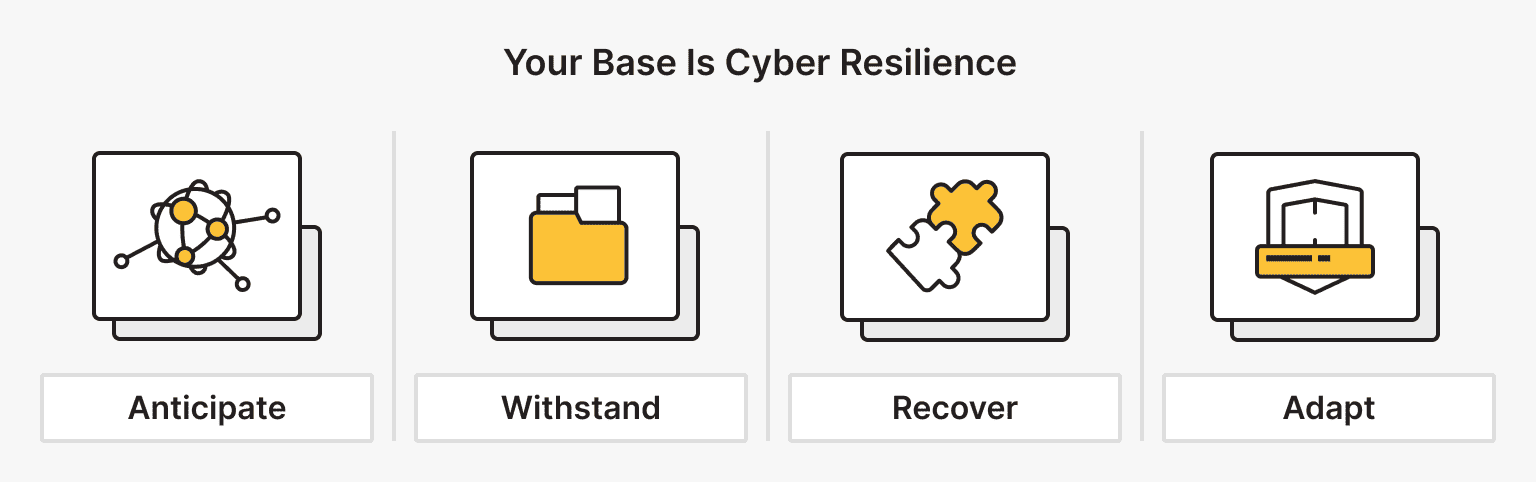
Resilience is different from defense. Defense tries to stop an event from happening. Resilience accepts that events might occur and focuses on survival. To achieve this, you need a structured cyber resilience framework.
Core Principles of a Cyber Resilience Framework
A robust cyber resilience framework isn’t just for enterprise corporations; it scales down to a single VPS or a home lab. The core principles are simple: Anticipate, Withstand, Recover, and Adapt.
- Anticipate. Know what your assets are. You can’t protect a database you forgot you spun up three months ago.
- Withstand. When an attack happens, your cyber resilience framework ensures the system degrades gracefully. If your web server is hit with a DDoS, your backend management API should still be accessible via a VPN.
- Recover. This is where your cyber resilience framework shines. How fast can you nuke a compromised server and redeploy it from a clean state?
- Adapt. Post-incident analysis feeds back into the cyber resilience framework, making the system harder to kill next time.
Mapping Resilience to Self-Hosted Security Operations
Implementing a cyber resilience framework in a self-hosted setup means automating your survival mechanisms. It’s about security risk mitigation through code, not just policy.
For example, instead of manually SSHing into a server to fix a configuration drift, a resilient setup uses Infrastructure as Code (IaC). If a server starts acting weird, you don’t troubleshoot it — you destroy it and redeploy a fresh one. This approach integrates the cyber resilience framework directly into your daily operations. You’re constantly practicing recovery because deployment is recovery.
This shifts your focus. You’re not just patching holes; you’re reinforcing the entire structure. A strong cyber resilience framework turns a potential catastrophe into a minor inconvenience.
Don’t troubleshoot. Redeploy.
IaC-friendly VPS with free weekly backups and (on most tiers) unmetered 1 Gbps, so you can nuke-and-pave in minutes.
Designing Resilient System Architecture
If you build a house of cards, one tap brings it down. If you build with LEGO bricks, you can lose a few pieces, and the castle still stands. That’s the goal of resilient system architecture.
Architectural Patterns That Improve Fault Tolerance
To achieve a resilient system architecture, you have to assume failure. Hard drives die. RAM corrupts. Software has bugs.
One key pattern is redundancy. If you run a critical service, don’t rely on a single instance — run two behind a load balancer. If you’re using dedicated servers, consider using virtualization to segment services rather than running everything on a bare-metal OS.
Another element of a resilient system is decoupling. Your frontend should not talk directly to your database if possible; it should go through an API. That way, if the frontend is compromised, the attacker still has to figure out how to exploit the API, buying you time. This layering is the bedrock of resilient system architecture.
Reducing Blast Radius in Self-Hosted Systems
Blast radius is how much damage an attacker can do if they get in. In a flat network, the blast radius is 100%. In a resilient system architecture, we use segmentation to limit this.
If you’re using Docker, don’t use the default bridge network for everything. Isolate your stacks. Here’s a simple example of how to define a network in docker-compose.yml to ensure your database is not accessible to the outside world, effectively limiting the blast radius:
version: '3.8'

services: webapp:
image: my-web-app networks:
frontend
backend ports:
- "80:80"
database:
image: postgres:15 networks:
- backend
# No ports exposed to host means no external access

networks: frontend:
driver: bridge backend:
internal: true
By setting internal: true on the backend network, you ensure that even if you mess up a firewall rule, that network can’t reach the internet directly. This is resilient system architecture in practice — it uses the infrastructure itself to enforce security rules.
Read more about how a network bridge works.
From Detection to Recovery
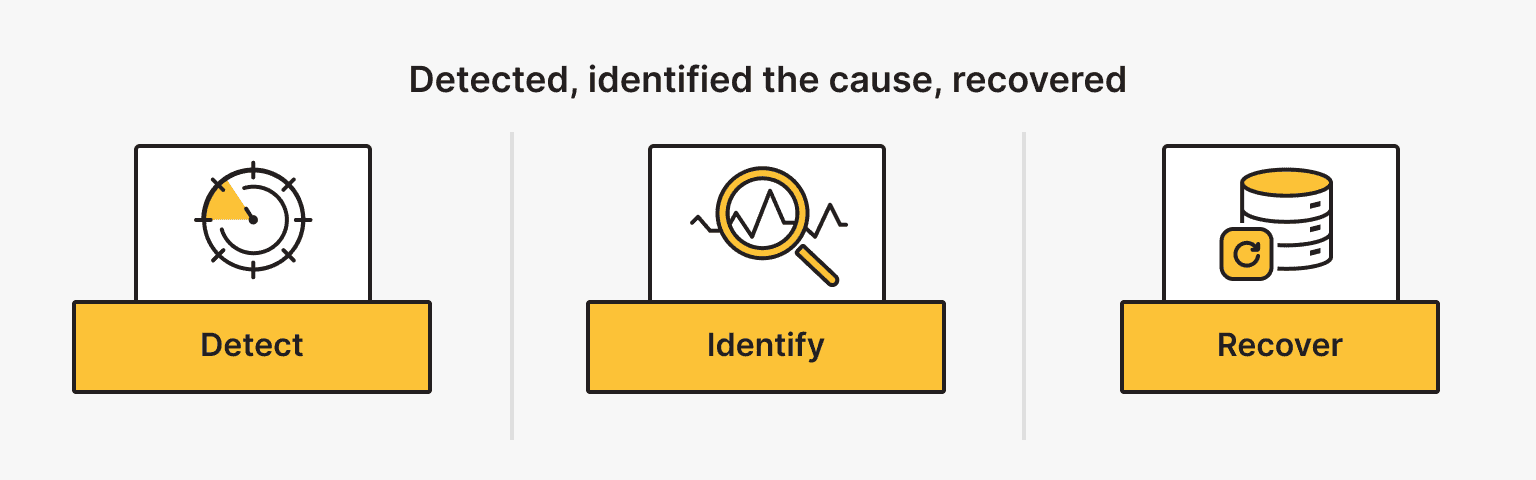
You can’t fight what you can’t see. However, seeing an attack is only step one. Your incident response planning determines whether you panic or execute.
Incident Response Planning for Self-Hosted Environments
An incident response plan is usually a 50-page document in corporate environments. For you, it can be a one-page Battle Card.
Your incident response planning should answer three questions:
- How do I know I’m under attack? (Alerts)
- How do I stop the bleeding? (Containment)
- How do I get back online? (Recovery)
Effective incident response planning relies on automated alerts. You don’t want to check logs manually — you want a Telegram message or an email when someone fails SSH authentication five times in a minute.
You also need to plan for security incident recovery before an incident occurs. If your server is locked by ransomware right now, do you have the ISO ready? Do you have the SSH keys? Incident response planning means having your emergency tools installed and ready, not downloading them while your server is burning.
Incident Recovery Workflows
When the alarm goes off, you move to security incident recovery.
A typical incident recovery workflow looks like this:
- Isolate. Cut the network access. Don’t shut it down, as you lose RAM evidence — pull the virtual plug instead.
- Triage. Identify the scope. Was it a script kiddie or a targeted exploit?
- Cleanse. This is crucial. Security incident recovery often fails because admins patch the vulnerability but leave the backdoor the attacker installed.
- Restore. Bring services back up from known good backups.
Your incident response planning should dictate that you never trust a compromised machine. The only true security incident recovery is a wipe and reinstall.
Here’s a simple script concept for an Emergency Lockdown you might include in your incident response planning toolkit. It blocks all incoming traffic except your specific management IP:
echo "Locking down server..." MY_IP="192.168.1.50" # Your Management IP

# Flush existing rules iptables -F

# Set default policies to DROP iptables -P INPUT DROP iptables -P FORWARD DROP iptables -P OUTPUT ACCEPT

# Allow localhost
iptables -A INPUT -i lo -j ACCEPT

# Allow established connections
iptables -A INPUT -m conntrack --ctstate ESTABLISHED,RELATED -j ACCEPT

# Allow SSH from MY_IP only
iptables -A INPUT -p tcp -s $MY_IP --dport 22 -j ACCEPT

echo "Server isolated. Only $MY_IP has access."
Having tools like this ready significantly speeds up security incident recovery.
Spin up in 10-15 minutes
Test your incident playbooks on VPS. Clean deploys in 10-15 minutes, weekly backups for rollbacks, and a built-in terminal.
Disaster Recovery as Part of Resilience
Disaster recovery security is the ultimate safety net. It assumes the worst has happened, such as the data center burning down or a hacker wiping everything.
Aligning Disaster Recovery Security with Business Impact
In a self-hosted world, business impact might just mean how long until your Plex server or personal email is back. But the principles of disaster recovery remain the same.
You need to define your Recovery Point Objective (RPO), which is how much data you can lose, and Recovery Time Objective (RTO), which is how long you can be down. If you back up once a week, you’re accepting a week of data loss. That is a disaster recovery security decision.
Often, disaster recovery is compromised by the backups themselves. Are your backups encrypted? If an attacker gets your backup server, will they get your data? Disaster recovery security requires that backups are immutable, meaning they cannot be changed or deleted, and air-gapped, meaning they are not constantly connected to the main network.
Testing and Validating Recovery Capabilities
A backup is merely a theoretical file until you restore it. It might exist, or it might be a corrupted zip file.
Set a recurring reminder once a quarter to actually restore a service from backup to a test environment. If it fails, your disaster recovery strategy is failing.
You may want to learn the 3-2-1 Backup Rule as explained by CISA.
Proactive Security Measures and Risk Mitigation
Waiting for an attack is a losing game. You need proactive measures to hunt down security issues before they become breaches. This is the heart of security risk mitigation.
Continuous Assessment of Security Risk
Security risk mitigation is not a one-time setup; it’s a continuous loop. You should be running vulnerability scans against your own infrastructure. Tools like OpenVAS or even simple Nmap scripts can show you what an attacker sees.
Effective security risk mitigation also involves checking for configuration drift. Did someone temporarily open port 8080 for testing and forget to close it? Regular auditing is a vital part of proactive security.
Operationalizing Proactive Security Measures
How do you make proactive security measures part of your routine without it becoming a chore? Automate it.
Set up automatic updates for security patches. This is the lowest-hanging fruit of proactive measures. Yes, an update might break something occasionally, but an unpatched server will eventually get owned.
Operationalizing security risk mitigation also means minimizing your attack surface. Uninstall software you don’t use. If you don’t need a compiler on your web server, remove it. This hardens your security posture management by limiting the tools available to an attacker if they do get in.
You should also implement a Least Privilege model. Does your media server really need root access? Probably not. Reducing permissions is a high-value risk mitigation tactic.
Here’s a snippet to check for users with UID 0, which indicates root privileges. This helps maintain a strict security posture management:
awk -F: '($3 == 0) {print}' /etc/passwd
If you see anything other than root in that list, you have a problem.
Measuring and Evolving Security Posture Over Time
You can’t manage what you don’t measure. To improve your security posture management, you need metrics.
Track how many incidents you catch. Track how fast you patch critical vulnerabilities. If you implement a cyber resilience framework, track how long it takes to rebuild a server from scratch.
Your cyber resilience framework should evolve. When a new threat emerges, assess how your current security posture management handles it. Do you have the visibility to see whether you’re affected?
Ask yourself if your architecture is still resilient or if you’ve drifted.
Security posture management is about the long game. It’s about ensuring that your cyber resilience framework matures as your self-hosted setup grows.
Conclusion: Building Resilience Beyond Breaches
The goal of this guide is not to make you paranoid; it’s to make you prepared. By focusing on self-hosted security through the lens of resilience, you stop fearing the breach and start managing the risk.
We’ve covered the need for a solid cyber resilience framework, the importance of resilient system architecture, and the critical nature of incident response planning. We’ve looked at security incident recovery, the non-negotiable need for disaster recovery security, and the value of proactive risk mitigation.
Ultimately, self-hosted security comes down to mindset. It’s about taking ownership. It’s about utilizing proactive security measures so you can sleep at night, knowing that even if the worst happens, your security posture management is ready to handle it.
Build it strong. Break it yourself. Fix it. That’s the only way to be truly resilient.
Bare Metal
No virtualization, no sharing — just raw, dedicated performance. Perfect for demanding workloads and custom setups.
From $66.67/mo