TL;DR
You probably don’t need a monster server to run OpenClaw (Clawdbot). Unless you’re hosting a massive local model farm, the bottleneck isn't the AI — it’s the browser automation. Headless Chrome is the resource hog here, not the agent itself.
If you leave the browser unchecked, it eats RAM. But if you cap it to a single session and set strict timeouts, a standard Medium VPS handles the workload effortlessly.
The short version:
- The Myth: AI agents require expensive GPU setups.
- The Reality: Most agents just route API calls and shuffle text.
- The Fix: Use a mid-tier box (like the is*hosting Medium plan), limit browser concurrency to one, and rotate your logs.
- What you can do: We cover five concrete workflows — from trading snapshots and research triage to email automation — that run perfectly on modest hardware.
What Is OpenClaw and Why People Overestimate Its Requirements
OpenClaw is an open-source agent framework that sits between you and your tools: chat apps, docs, calendars, tickets, and websites. It routes requests, schedules jobs, stores memory, and calls “skills” to do work. The model can be remote (API) or local; either way, the day-to-day load on your server is usually orchestration and I/O, not heavy math.
People overestimate the requirements for two reasons.
First, people mix up the agent with the model. Hosting a local LLM? Yeah, that’s expensive. But an agent that just pings an API is basically a glorified traffic controller. It mostly handles queues, storage, and keeping connections alive.
The real problem is browser automation. People forget how heavy a headless browser actually is. Sessions hang, retry loops spike your CPU, and temporary files eat up your disk space. Run a few of those in parallel, and your server chokes. If you put strict limits on the browser, though, those random load spikes vanish.
That’s why OpenClaw runs fine on cheap hardware; if you treat it like a lightweight service, it acts like one.
You don't need a Mac Mini to run OpenClaw
Get a Medium VPS with OS Ubuntu 22 + Clawdbot (OpenClaw) and start working.
What a “Medium VPS” Actually Means in Practical Terms
Let’s define the baseline, because “Medium” can mean different things across providers. In this article, a Medium VPS is a practical mid-tier box: a few vCPUs, around 4 GB RAM, and NVMe storage. It’s the point where a self-hosted agent can run continuously without you fighting memory pressure every day.
In practical terms, this kind of server can handle:
- One always-on agent process plus a scheduler.
- A small task queue (so automation doesn’t stack up in parallel).
- A modest document index or vector store.
- One headless browser session at a time, when you need it.
- Logs and artifacts, if you rotate and prune them.
This is also a good baseline for an AI agent VPS when the heavy lifting is external (hosted models), and the server is your control plane.
If you want a setup that just works without constant tuning, is*hosting’s Medium plan fits the bill perfectly. It has the disk speed for caches and enough headroom to keep the config boring.
To size it right, picture three specific lanes:
- Lane 1. Chatbots and APIs. These run 24/7 but cost almost nothing.
- Lane 2. Scheduled jobs. Summaries and indexing stay predictable if you cap the inputs.
- Lane 3. The browser. This is the only lane that actually spikes the CPU.
On a Medium plan, the first two lanes are effortless. Lane 3 is safe too, provided you keep it to a single session. But if your plan relies on running five browsers in parallel, you aren't in 'medium' territory anymore.
Use Case 1: Run OpenClaw for Monitoring (Explain and Notify)
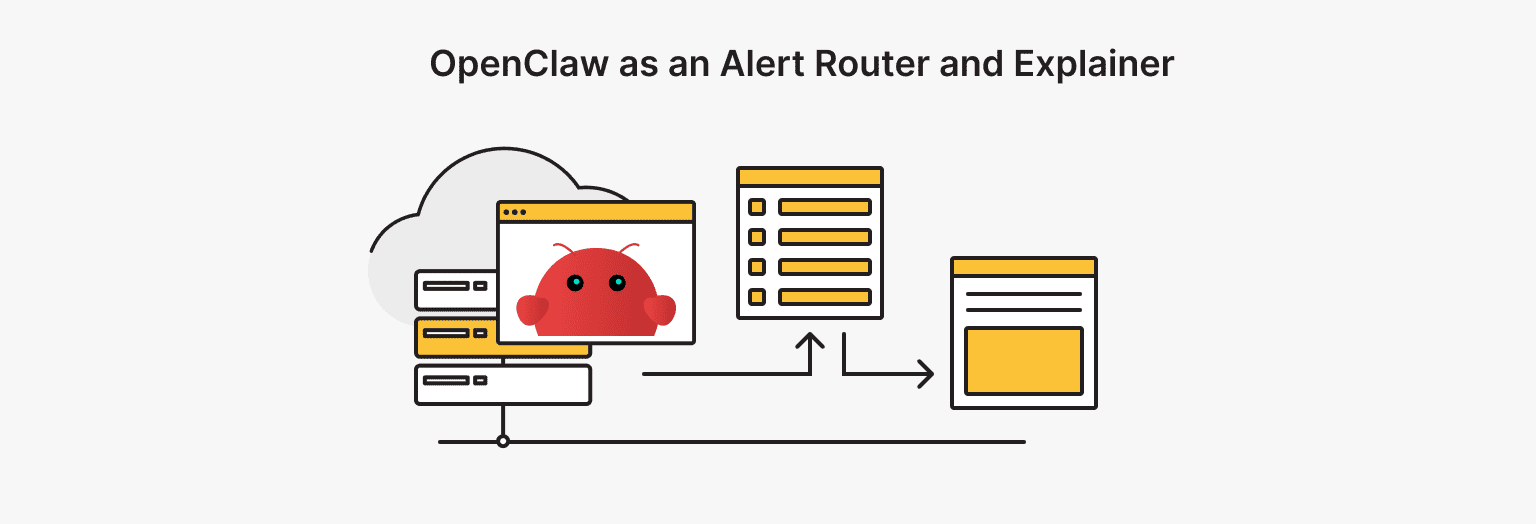
Most monitoring systems are great at shouting and bad at explaining. OpenClaw can sit between alerts and your chat and turn noise into a short, useful message. Not an “incident novel,” just enough context to act.
What it does:
- Groups related alerts (so you don’t get 30 pings for one failure).
- Adds a plain-language summary: what broke, what changed, what’s impacted.
- Pulls quick context (recent deploys, last successful check, basic service info).
- Posts links: dashboard, logs, runbook, and a “first three checks” checklist.
Why a mid-tier VPS is plenty: The workload is inherently bursty–it does nothing for hours, then wakes up for five minutes of panic. Since the task is mostly I/O and text parsing rather than sustained CPU load, a standard box handles it easily. Storage isn't an issue either, as long as you rotate logs and only keep the last few incidents.
Stability rules:
- Rate limits are mandatory. Prevent alert storms from choking the process.
- Truncate summaries. Context is good, walls of text are bad.
- Short retention. Wipe the raw payloads automatically after a day or two.
This is a self-hosted AI agent that improves your ops loop without replacing your monitoring stack.
Use Case 2: Research Triage From Reddit/X to Notion or Slack
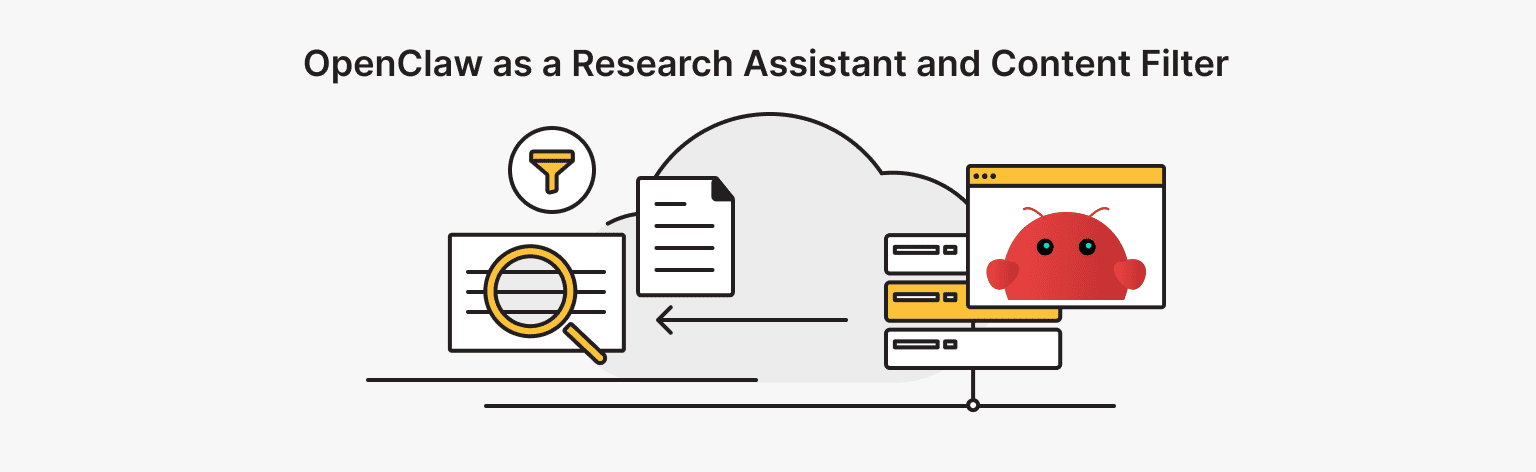
Manual research on social media is a time sink. You go in for data and get distracted by the feed. OpenClaw acts as a filter: it collects, ranks, and summarizes the hits so you don't have to scroll.
A practical workflow:
- Watch a tight list of keywords for your product or a tech niche.
- Run the scrape twice a day.
- Filter by engagement or novelty to skip the zero-value posts.
- Generate a 5-bullet brief with direct links and context.
- Pipe the results to Slack and archive the daily summary in Notion.
Why it fits:
- Text-first workloads are cheap and predictable.
- You can cap the number of sources per run.
- Caching prevents reprocessing the same threads.
Keep it under control:
- Hard cap items per run (don’t “just fetch everything”).
- Skip media-heavy links unless requested.
- Store summaries and links, not full thread dumps.
This use case is also a good reason to self-host OpenClaw — your research history and notes stay on your own box.
Use Case 3: TradingView Without an API (Snapshots + Short Reads)
Let’s face it — APIs rarely match the charts you actually trade on. When the raw data doesn't cut it, you can just bridge the gap with a browser script. It’s a bit dirty, but effective. Open your layout, snap a picture, and send it.
The workflow:
- Spin up a headless browser to load your exact TradingView setup.
- Grab a snapshot on a timer — for example, right before the opening bell or at the close.
- Run a quick diff against the last image (Did volume spike? Is the trend dead?).
- Drop the screenshot and a one-liner into your private chat.
Why it fits: It’s a scheduled job. Since you only spin up the browser at market open or close, the average load is near zero. Storage isn't an issue either, provided you delete old images.
Required guardrails:
- Timeouts. If a page hangs, kill the process immediately.
- Retry limits. Cap attempts so you don't loop forever.
- Retention. Nuke files older than N days automatically.
Note: Unbounded browser sessions are the #1 reason for accidental bill spikes. Cap them early.
Use Case 4: Private Knowledge Helper (Ask Your Docs in Chat)
A private knowledge helper is the “ask my docs” workflow: runbooks, policies, product notes, internal FAQs, and personal notes. This is a classic LangChain use case when you want retrieval plus grounded answers without building a full app.
What it looks like:
- Ingest documents on a schedule (or on demand).
- Index into a vector store (small and fast on NVMe).
- Answer questions in chat, with citations back to the doc sections.
- Keep an audit trail — what it answered and which sources it used.
Why it fits:
- For small teams, the index is modest.
- Ingestion can be batched to off-hours.
- You can call a hosted model while keeping the knowledge base private.
Practical limits:
- Cap indexed size and prune old versions.
- Chunk consistently to avoid bloating the index.
- Avoid indexing binary junk unless you need it.
This is another self-hosted AI agent pattern that tends to stick, because it replaces messy “where did we write that down?” workflows.
Scalable VPS
Choose a ready-to-go config or fine-tune it to make something unique.
Use Case 5: Email + Calendar Triage (A Personal Assistant Without SaaS)
Stop trying to be clever with email AI. You just need clean summaries and strict rules. The goal is to get out of the inbox faster, not to write a novel.
Here’s the workflow:
- Fetch new messages in batches or watch specific labels.
- Classify the stream into Urgent, To-Do, Pending, and Junk buckets.
- Generate draft responses that wait for a human to greenlight them.
- Extract dates from invites and turn them into actual calendar entries.
- Aggregate the entire day into one report you can read in half a minute.
Why it fits:
- Mostly text and scheduling.
- Bounded workload — your inbox isn’t infinite if you enforce rules.
- Easy to keep logs and retention under your control.
Privacy benefit:
- Your mailbox metadata and routing rules stay local.
- You decide what to store and what to delete.
If you’ve ever tried to “automate email” and only made things worse, keep the output minimal and the rules strict.
When a Medium VPS Is Enough to run OpenClaw Comfortably
A Medium VPS works perfectly as long as you respect these limits:
- Workloads are text-heavy with standard API scheduling.
- Browser automation is occasional and single-threaded.
- Storage is used for indices, not massive raw data dumps.
- Concurrency is managed via queues rather than parallel processing.
In this zone, OpenClaw AI behaves like a small, boring service. The setup stays stable because the expensive actions are bounded.
A simple rule keeps most projects healthy: default to APIs and structured workflows; use the browser only when there’s no better option.
When You Might Need More Resources
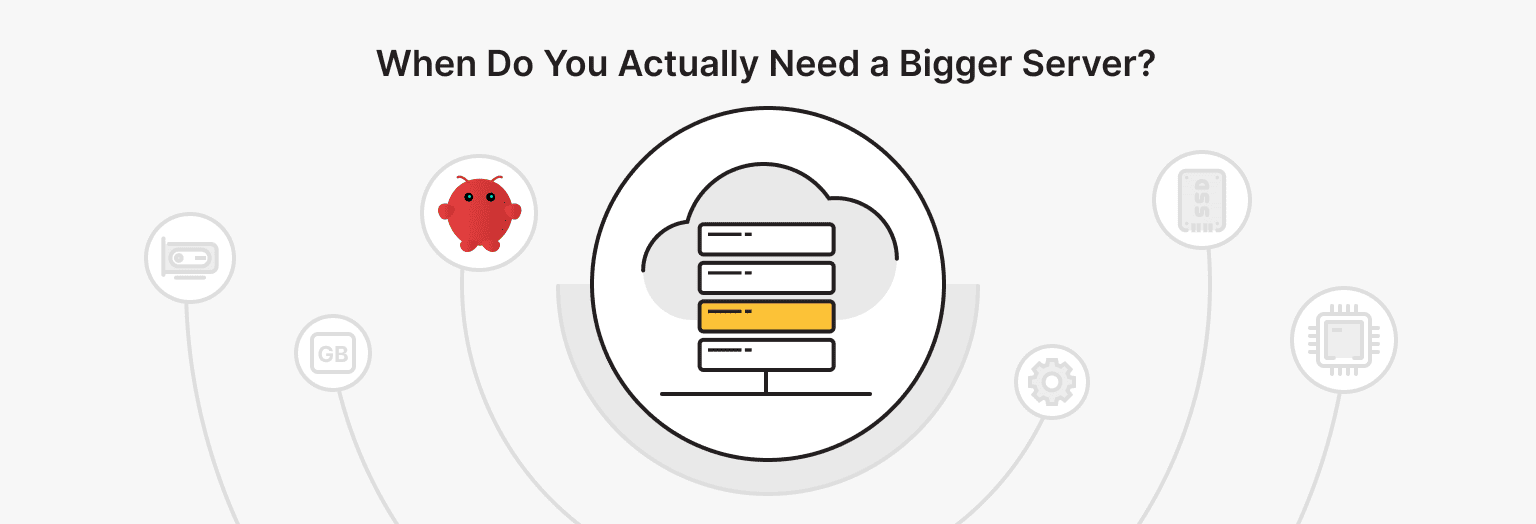
You may need more than a mid-tier VPS when:
- Multiple parallel browser sessions are core to the product.
- Your knowledge base grows into many gigabytes, and you re-index often.
- You host local models that compete for RAM and CPU.
- You process lots of media on the server (images/video).
- You need high availability across regions.
If you’re turning OpenClaw into an AI automation server for a team, concurrency becomes the real driver. You’re paying for parallel sessions, more workers, more I/O, and more storage churn.
OpenClaw AI can still run on a VPS at that stage, but the sizing logic changes. You scale because you measured a real bottleneck, not because the word “agent” sounds expensive.
Final Recommendation for Indie Builders
If you’re building solo or with a small team, start with a realistic baseline and ship. For most use cases above, the fastest path is to self-host OpenClaw on a mid-tier box, set limits, and keep the defaults cheap.
This is what a well-run VPS for AI projects looks like:
- Keep browser concurrency at 1 unless you have a reason.
- Enforce timeouts and capped retries.
- Rotate logs and prune artifacts.
- Batch indexing and heavy jobs to off-hours.
- Cache repeated work (summaries, fetches, routine checks).
If you like containers, a Docker deployment makes the setup easy to reproduce and move. An OpenClaw Docker stack is also easier to upgrade without surprises, because your config and volumes stay consistent.
If you want a clean starting point without tinkering, a VPS Medium plan or higher on is*hosting is a straightforward place to begin — enough headroom for real workflows, with room to grow when your use case proves it.
For a practical deployment walkthrough, read “Run Clawdbot (OpenClaw) on a VPS in Minutes.” It covers how to launch OpenClaw on is*hosting with the ready configuration.